Ad Blocker Detected
Our website is made possible by displaying online advertisements to our visitors. Please consider supporting us by disabling your ad blocker.
Roblox Bloxfest 2026: How to Claim Exclusive Twitch Drops (Full Guide): Your complete guide to Roblox Bloxfest 2026, featuring a step-by-step walkthrough for claiming limited-edition Twitch Drops, full event schedule, and pro tips to maximize your rewards.
Introduction: What is Roblox Bloxfest?
Roblox Bloxfest is the platform’s premier annual celebration, a digital extravaganza where developers, creators, and players come together for exclusive announcements, live events, and coveted virtual rewards. The 2026 edition promises to be the biggest yet, with Twitch Drops returning as a central feature, offering viewers free, limited-time items just for watching the official streams.
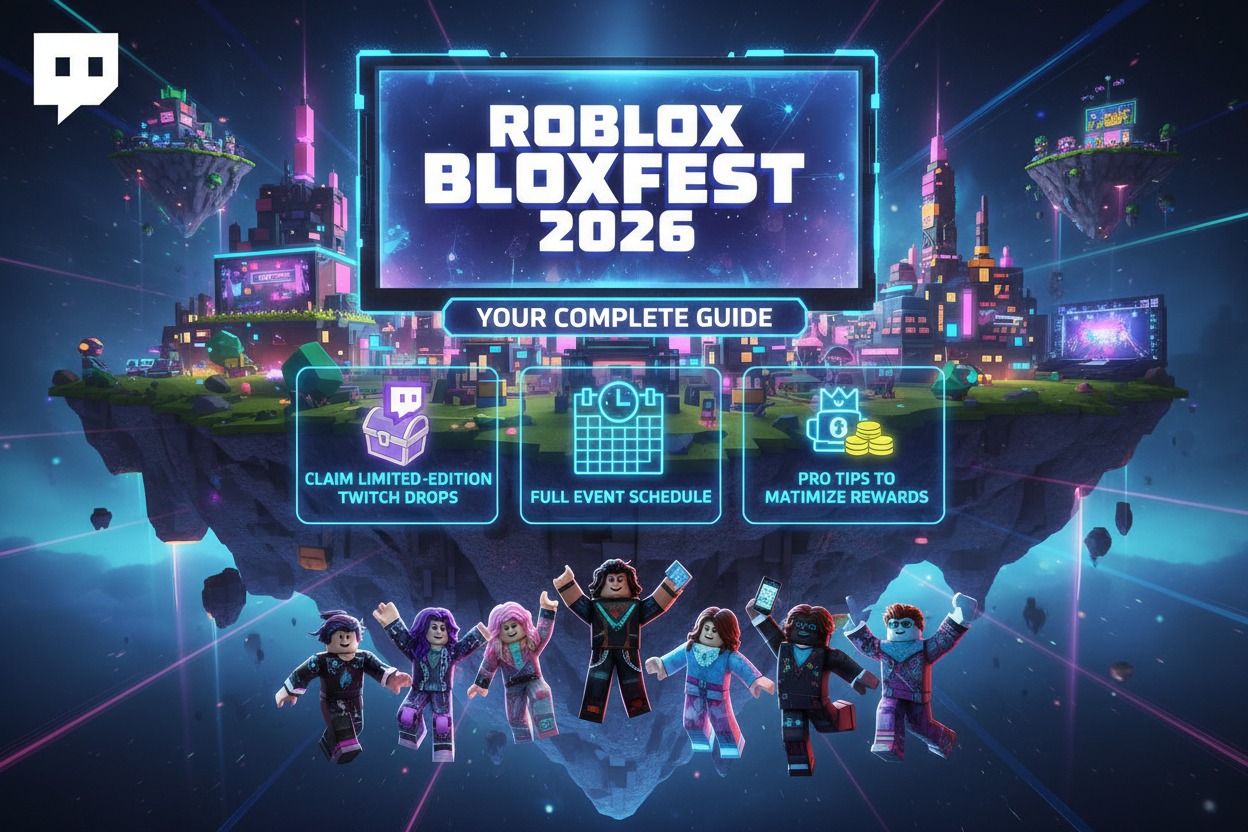
This guide provides everything you need to know about Bloxfest 2026, with a detailed focus on successfully claiming your Twitch Drops—a process that has confused many in past years. Bookmark this page for the most up-to-date information throughout the event.
Bloxfest 2026: Event Dates & Key Details
- Official Dates: Saturday, March 15 – Sunday, March 23, 2026.
- Primary Stream: The main showcase will be hosted on the Official Roblox Twitch Channel.
- Theme: “Next Horizon” – Focusing on the future of creation, connection, and immersive experiences on the platform.
- What to Expect: Keynote speeches from Roblox executives, sneak peeks at upcoming features, developer spotlights, musical performances, and interactive experiences within Roblox itself.
What Are Twitch Drops and What Can You Get?
Twitch Drops are a promotional mechanic where viewers earn in-game items or rewards simply by watching designated live streams on Twitch. For Bloxfest, these are typically exclusive, cosmetic items that cannot be purchased and are only available during the event.
Predicted Bloxfest 2026 Twitch Drops (Based on Historical Data):
- Virtual Hat/Head Accessory: A unique hat themed around the “Next Horizon” event.
- Special Back Accessory: (e.g., a Bloxfest 2026 backpack or wings).
- Emote or Chat Effect: An exclusive emote for your Roblox avatar.
- Developer-Exclusive Item: An item from a featured popular game on the platform.
⚠️ Important: Items are automatically added to your Roblox account inventory and are account-bound (not tradable or sellable). They are purely cosmetic.
Step-by-Step Guide: How to Claim Bloxfest 2026 Twitch Drops
Follow these steps carefully to ensure you don’t miss out on any rewards.
Step 1: Preparation (Do This BEFORE the Stream)
- Ensure Account Linkage: This is the most critical step.
- Go to the Account Connections page in your Twitch settings.
- Under “Other Connections,” find Roblox and click Connect. You will be redirected to log into your Roblox account to authorize the link.
- Verification: Once connected, your Roblox username should appear. Do not disconnect this during the event.
- Mark Your Calendar: Note the specific times for Drop-enabled streams on the schedule below. You must watch during these windows.
Step 2: Watching & Earning Drops During Bloxfest
- Watch on the Official Channel: Tune in to the Official Roblox Twitch Channel during the announced Drop-enabled segments.
- Check Drop Progress: Click on your profile icon in the top-right of Twitch and select “Drops & Rewards.” Here, you’ll see a campaign for “Roblox Bloxfest 2026” with progress bars for each reward.
- Fulfill Time Requirements: Each item requires a set amount of watch time (e.g., “Watch for 30 minutes”). The stream must be live, and you must be an active viewer (muted streams or background tabs typically still work, but ensure the player is active).
- Claim Each Reward: Once a progress bar hits 100%, a “Claim” button will appear. You must click this button on Twitch! Progress for the next item will only begin after claiming the previous one.
Step 3: Receiving Your Items on Roblox
- Automatic Sync: After claiming on Twitch, your linked Roblox account should receive the item automatically within 24 hours.
- How to Check: Log into your Roblox account. Go to Avatar → Accessories. Filter by “Recent” or search for “Bloxfest 2026.”
- Troubleshooting: If items don’t appear after 24 hours, ensure your accounts are still connected and that you clicked “Claim.” You can also try unlinking and relinking your Roblox account on Twitch.
Bloxfest 2026 Twitch Drops Schedule (Predicted)
This schedule is based on previous years’ formats. We will update it with official times once Roblox announces them.
| Date & Time (PST) | Stream Segment | Drop Reward | Watch Time Required |
|---|---|---|---|
| Sat, Mar 15, 10:00 AM | Opening Keynote | “Next Horizon” Spectacles | 30 Minutes |
| Sun, Mar 16, 1:00 PM | Developer Deep Dive | Exclusive Backpack | 45 Minutes |
| Wed, Mar 19, 11:00 AM | Community Spotlight | Bloxfest 2026 Hat | 30 Minutes |
| Sat, Mar 22, 12:00 PM | Future Vision Showcase | Special Emote | 60 Minutes |
| Sun, Mar 23, 2:00 PM | Closing Celebration | Ultimate Bonus Item | 90 Minutes (Cumulative) |
🔴 LIVE UPDATES: The official schedule with exact times will be posted on the Roblox Blog and their Twitter/X account one week before the event.
Pro Tips & Common Pitfalls to Avoid
- Pitfall #1: Unlinked Accounts. Double-check your connection before Day 1. This is the #1 reason users miss Drops.
- Pitfall #2: Not Clicking “Claim.” Watch time alone isn’t enough. You must manually claim each Drop in the Twitch menu.
- Pro Tip: Use the Twitch App. You can earn Drops while watching on mobile, making it easy to accumulate time.
- Pro Tip: Start Early. Join the stream a few minutes early. Drops are often enabled from the very start of the broadcast window.
- Pro Tip: Engage Chat. While not required, typing in chat can help ensure Twitch doesn’t mark you as an inactive viewer.
Frequently Asked Questions (FAQ)
Q: Can I get Drops by watching any Roblox streamer?
A: No. Only streams on the official Roblox channel that have Drops enabled will grant rewards. Some featured developer streams may also have Drops, but this will be explicitly announced.
Q: What if I miss a live stream?
A: Twitch Drops are only available during the live, scheduled windows. VOD (recorded) watching does not count.
Q: Can I link multiple Roblox accounts to one Twitch account?
A: No. The connection is one-to-one. Each Roblox account must be linked to a unique Twitch account to earn Drops.
Q: Are these items rare or valuable?
A: They are exclusive to the event and cannot be obtained later, making them permanently rare in your inventory. However, they are not tradable on the marketplace.
Q: I followed all steps but didn’t get my item. What do I do?
A: First, wait 24 hours for sync. Then, contact Roblox Support with proof (screenshots of your claimed Drops on Twitch and your account connections). Do not contact Twitch support for Roblox item issues.
Conclusion: Don’t Miss Out!
Roblox Bloxfest 2026 is set to be a milestone event, and the Twitch Drops offer a perfect, free way to own a piece of its history. By linking your accounts now, marking the schedule, and following our claim guide, you’ll secure your exclusive virtual loot with zero stress.
Stay tuned to this article, as we will update it with the official schedule and Drop details the moment they are released by Roblox. Prepare your accounts, set your reminders, and get ready to celebrate the next horizon of Roblox.